
The ink bottle contains a filter to remove any dirt or contaminant. The filter should be replaced every six months. You may need to replace the filter if the printed text on a stick begins to fade.
CAUTION! Ink, cleaner, and waste fluids in bottles are highly flammable and under pressure. Always wear nitrile gloves and safety glasses when handling fluids or bottles. Always consult supplier Material Safety Data Sheets before use.
Note – supplies required: clean rag, replacement ink filter
 WARNING! Turn the isolation switch Off before proceeding.
With the Isolation switch Off:
1. Open the printer cabinet door (left side, Outfeed end).
2. Slowly unscrew the ink bottle filter cap to relieve pressure.
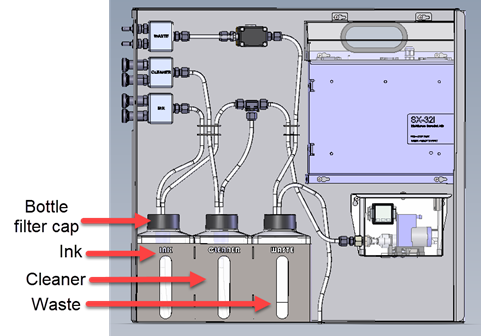
3. Detach the current filter. Insert the new filter.
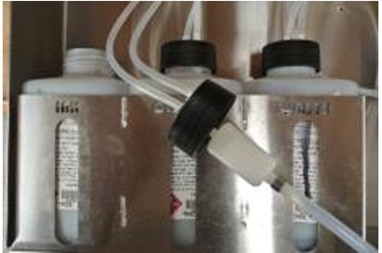
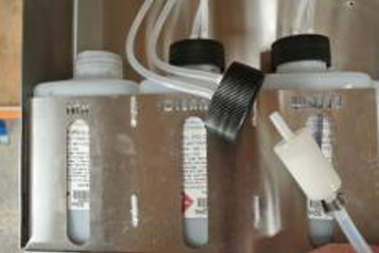
4. Screw bottle filter cap back on ink bottle.
5. Turn Isolation switch On and confirm printer system pressure